

How to Automate Weekly Work Reports Using AI: 4 Tools & Step-by-Step Guide for Professionals (2026)

Why Professionals Are Automating Weekly Work Reports Using AI

Here’s how I’d actually do this in a real job:

Automate weekly work reports using AI to save hours every week and eliminate the stress of manual reporting for professionals.To make this practical, let me explain how I’d handle weekly reporting in a real office role—not theory, not tools-for-the-sake-of-tools. This is exactly how I automate weekly work reports using AI in my day-to-day professional work without overthinking the process.

In my job, weekly reports usually mean three things: what I completed, what’s in progress, and what might block next week’s work. Earlier, I used to open Excel, copy updates from emails, rewrite everything in Word format, and then spend another 30 minutes just making it sound “professional.” Many professionals struggle to automate weekly work reports using AI because they assume it requires technical skills, but modern tools make it surprisingly simple.
Over the time, I realized there was a much simpler way to handle this.
I keep all weekly updates in one place usually an Excel sheet or a project tracker. At the end of the week, I paste my updates into ChatGPT and ask it to convert them into a clean weekly work report for management. If the report needs numbers or trends, I let Excel’s AI features summarize those first, then combine everything into one final report.
The key point is this:
I don’t let AI decide things for me, instead of let it do the boring formatting and summarizing. Then I will review the final output, add context where needed, and send it out confidently.
This small shift alone saves me a few hours every week and removes the stress of last-minute reporting

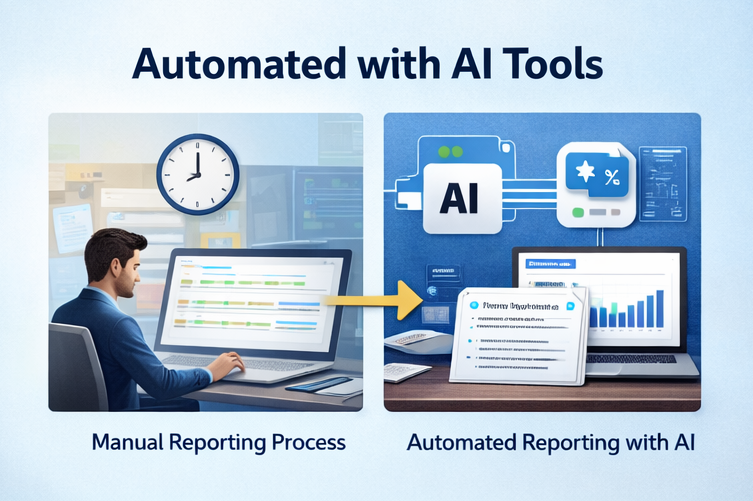
Manual work reporting compared to AI tools for report automation in a professional workspace

What Does It Mean to Automate Weekly Work Reports Using AI?

Automating reports doesn’t mean losing control. It means letting AI handle the repetitive parts—data collection, formatting, summaries—while you focus on insights and decisions.

  • Using AI for business reporting, professionals can:
  • Pull data automatically from Excel, Google Sheets, or project tools
  • Convert raw data into readable summaries
  • Generate weekly status updates, management reports, or dashboards
  • Reduce reporting errors and last-minute stress

This approach is especially useful for managers, engineers, analysts, consultants, and team leads.

Best AI Tools for Report Automation (2026)

How to Automate Weekly Work Reports Using AI (Without Technical Skills)

Here are some automated reporting tools that professionals actually use—not hype tools.

1. ChatGPT (Best for Text-Based Reports)

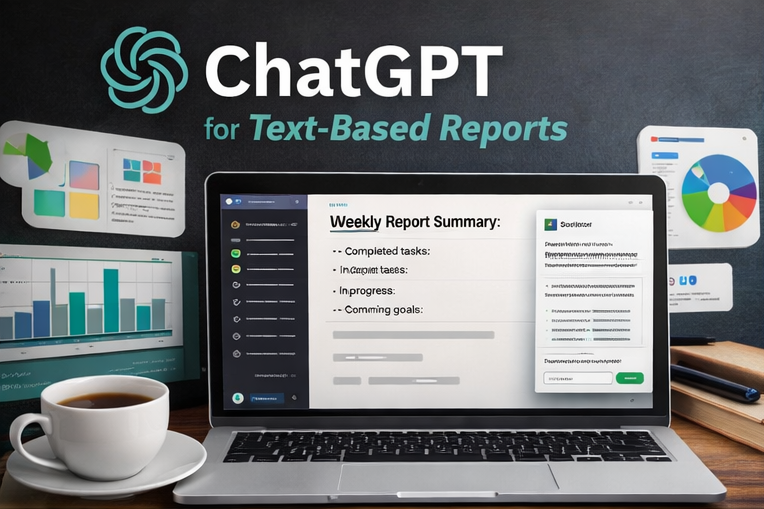
ChatGPT generating automated weekly work reports using AI for professionals

ChatGPT is one of the easiest ways to automate reports with ChatGPT, especially if your reports are narrative-heavy.
Best for:

  • Weekly status reports
  • Project summaries
  • Management updates

Why it works:
You feed ChatGPT your weekly data points, and it converts them into a clean, professional report with clear structure.

2. Microsoft Copilot (Excel & Office Reports)

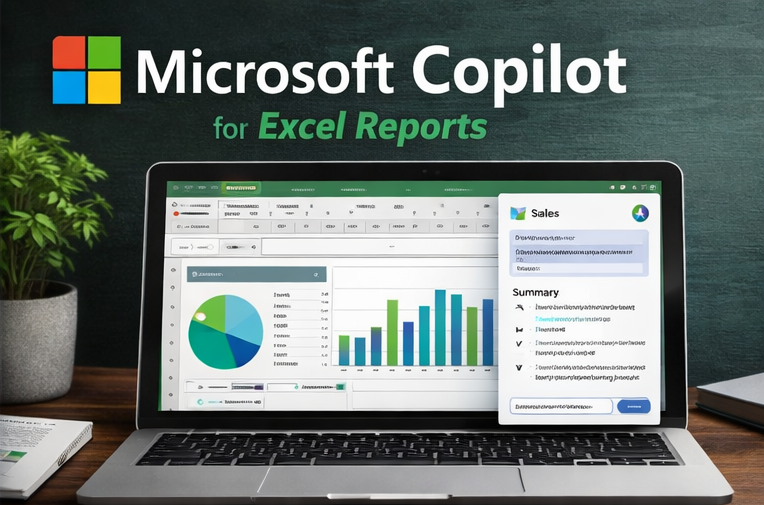
Microsoft Copilot automating Excel reports and business reporting using AI

If your reports are Excel-heavy, Copilot is extremely powerful.
Best for:

  • Excel-based weekly reports
  • Financial or operational summaries
  • PowerPoint report generation

Why it works:
It understands Excel formulas, trends, and charts—ideal for AI tools to automate Excel reports.

3. Notion AI (Team & Project Reporting)

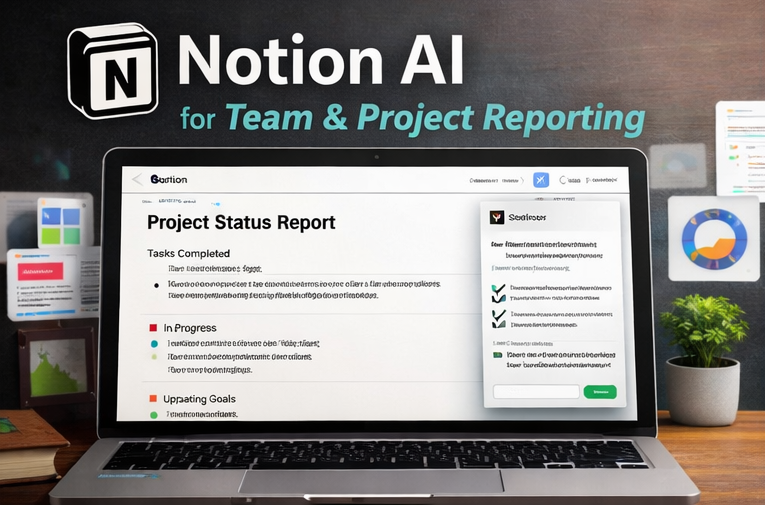
Notion AI creating automated project status and team reports using AI tools

Notion AI is excellent for teams tracking tasks and progress.
Best for:

  • Project status reports
  • Team weekly summaries
  • Documentation-based reporting

Why it works:
It auto-summarizes tasks and updates into readable reports.

4. Power BI + AI Insights (Advanced Reporting)

Power BI using AI insights for advanced automated business reporting and data visualization

For professionals handling large datasets.
Best for:

  • Management reporting
  • Business dashboards
  • Trend-based analysis

Why it works:
It turns raw data into insights using AI for management reporting.

Best AI Tools to Automate Weekly Work reports (Comparison)


ToolBest Use CaseKey StrengthRatingIdeal For
ChatGPTWeekly report writingStructured summaries⭐⭐⭐⭐⭐Professionals, managers
Microsoft CopilotExcel & Office reportsAI-driven analysis⭐⭐⭐⭐Corporate roles
Notion AIProject reportingTask summaries⭐⭐⭐⭐Teams
Power BI + AIAdvanced dashboardsData visualization⭐⭐⭐⭐Leadership

These ratings are based on real-world use for automating weekly work reports using AI in professional environments.

I use these tools in real work scenarios and recommend them only when they genuinely save time and reduce manual effort.

  • ChatGPT works best when reports are mostly text-based and need quick summaries or structured updates.
  • Microsoft Copilot is ideal when my work involves heavy use of Excel, Word, or other Office files.
  • Notion AI is my go-to choice for team updates and project status reporting.
  • Power BI with AI Insights is best suited for advanced dashboards and management-level reporting.

How to Automate Weekly Work Reports Using AI (Step-by-Step)

Here’s a simple, practical workflow you can start using this week.

Step 1: Decide What Goes Into Your Weekly Report
Before automation, clarity is key.
Most weekly reports include:

  • Tasks completed
  • Work in progress
  • Blockers or risks
  • Next week’s plan
  • Key metrics (optional)

This step is crucial if you want to automate reporting process for professionals effectively.

Step 2: Centralize Your Data
AI works best when data is organized.
Use:

  • Excel / Google Sheets for numbers
  • Project tools (Jira, Trello, Asana) for tasks
  • Notes or bullet points for updates

This makes it easier to automate project status reports using AI.

Step 3: Use ChatGPT to Generate the Report
Paste your weekly data into ChatGPT using a prompt like:
“Create a professional weekly work report for management using the following updates. Keep it concise and clear.”
ChatGPT will instantly generate a structured report with headings and summaries.
This is the fastest way to automate weekly work reports using AI without technical setup.

Step 4: Automate Excel Reports Using AI
For Excel users:

  • Use Copilot or Excel AI features
  • Ask it to summarize trends, highlights, and anomalies

This works perfectly for AI tools to automate Excel reports used in finance, operations, or analytics roles.

Step 5: Review, Customize, and Send
Automation doesn’t replace judgment.
Spend 2–3 minutes:

  • Tweaking tone
  • Adding insights
  • Personalizing for stakeholders

You still own the narrative—AI just saves your time.

Automating Different Types of Weekly Reports

Weekly Project Status Reports
AI summarizes task completion, delays, and next steps clearly—great for client or internal updates.
Management Reporting
AI highlights key metrics, risks, and progress—ideal for leadership reviews.
Team Performance Reports
AI converts task data into performance summaries without manual effort.
This is where AI tools for management reporting really shine.

Benefits of Automating Weekly Work Reports Using AI

  • ⏱️ Saves 3–5 hours every week
  • 📉 Reduces reporting errors
  • 🧠 Improves clarity and structure
  • 🔁 Ensures consistency across reports
  • 📈 Makes you look more efficient and professional

Most professionals who automate once never go back to manual reporting.

FAQs: Automating Weekly Reports with AI

Is it safe to use AI for business reporting?
Yes, as long as you avoid sharing sensitive data with public tools and follow company policies.
Can AI replace manual reporting completely?
AI handles 80–90% of the work. Human review is still important for accuracy and context.
Do I need technical skills?
No. Most automated reporting tools are designed for non-technical professionals.
Can AI automate reports weekly automatically?
Yes, with integrations (Zapier, Power Automate), reports can be generated on schedule.

Can I automate weekly work reports using AI without coding?
Yes. Tools like ChatGPT, Microsoft Copilot, and Notion AI allow you to automate weekly work reports using AI without any technical skills.

Are AI tools safe for business reporting?
Yes, when used correctly. Always avoid uploading confidential data and review outputs before sharing reports.

Work Smarter by Automating Weekly Work Reports Using AI

Weekly reporting doesn’t have to drain your time or energy. When you automate weekly work reports using AI, your free up hours for real work—thinking, planning, and decision-making.
Start simple. Use ChatGPT or Excel AI this week, refine your process, and gradually automate more. In today’s workplace, professionals who leverage AI don’t just work faster—they work smarter.Once you learn how to automate weekly work reports using AI, reporting stops being a weekly headache and becomes a simple, repeatable process.
👉 Next step: Pick one report this week and automate it using AI. You’ll never want to do it manually again.

Leave a Comment

Your email address will not be published. Required fields are marked *